
Moving vertices and whole styles
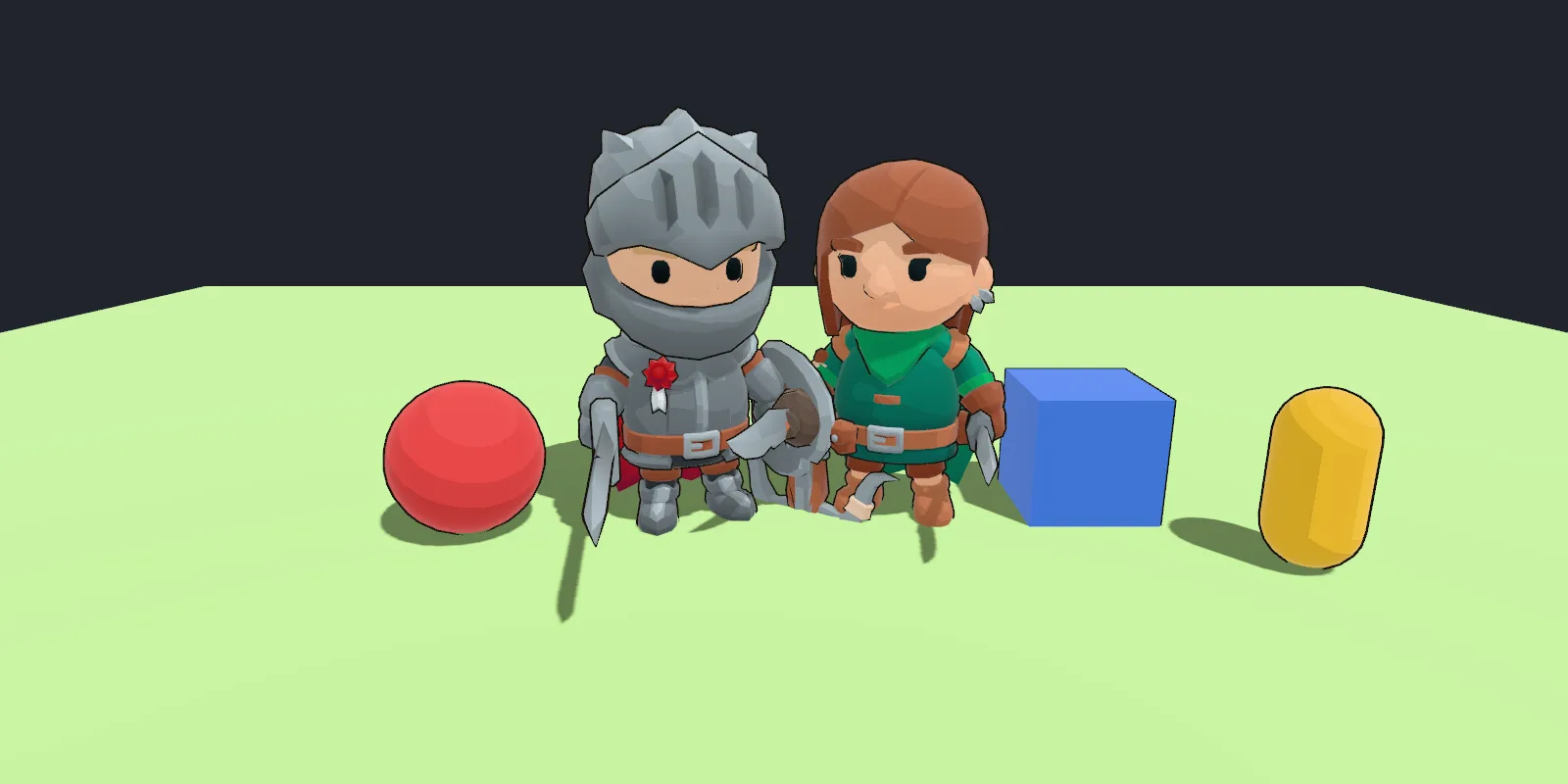
Moving vertices
Section titled “Moving vertices”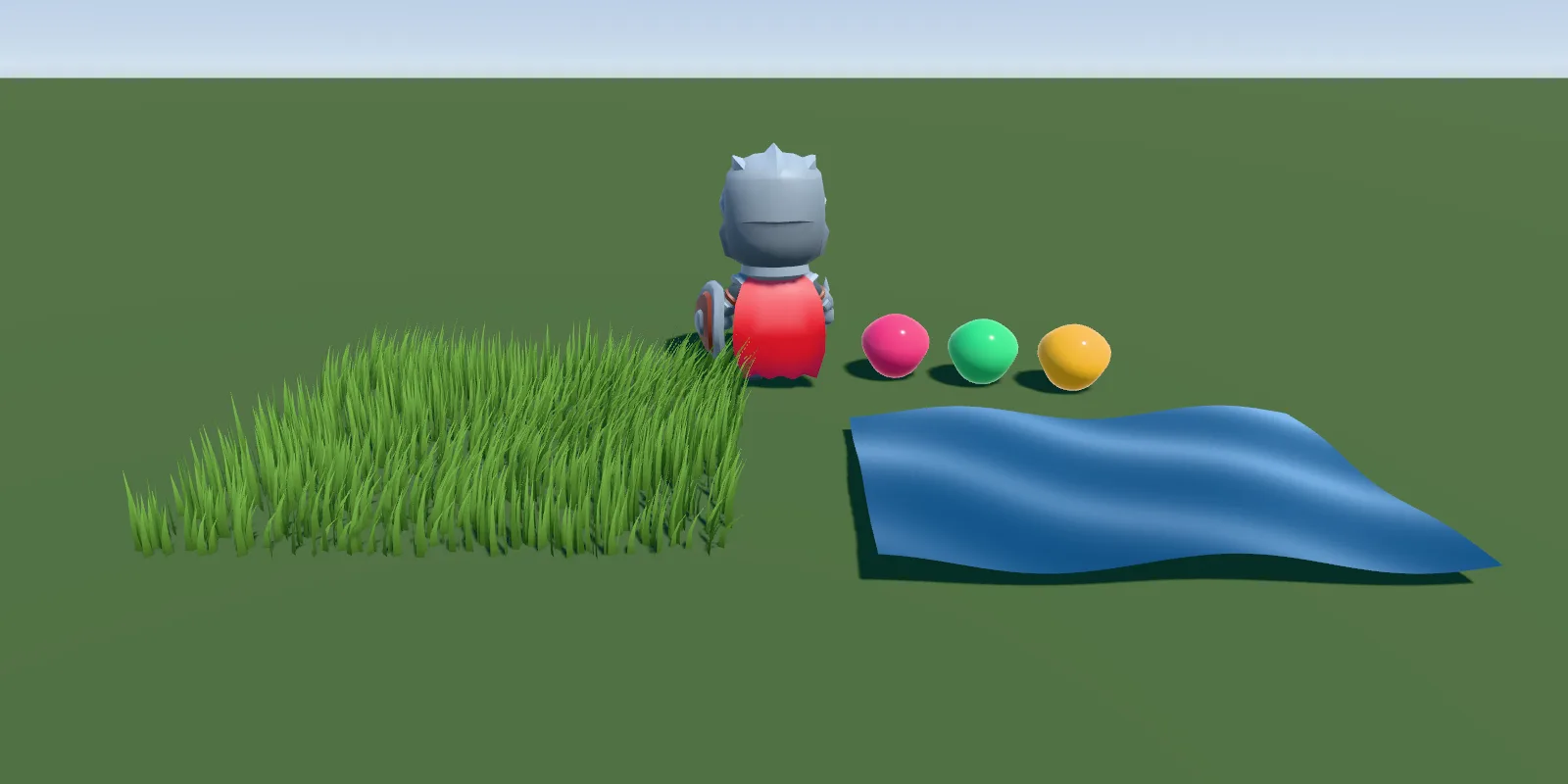
A vertex function moves the mesh’s vertices: grass in the wind, waves,
a wobble. The shadow moves with it. Say how far it can move a vertex
with the material’s reach, in metres, so the engine doesn’t leave the
object out of a frame it has moved into:
struct Values { wind: f32 }
fn vertex(in: VertexInput) -> VertexInput {    var v = in;    // The tip moves, the foot stays: local.y is the height in the mesh.    let gust = sin(frame_time() * 2.0 + in.origin.x * 0.7) * values.wind;    v.position.x += gust * in.local.y * in.local.y;    return v;}
fn surface(in: SurfaceInput) -> Surface {    return standard(in);}
Material(shader: sway, values: {'wind': 0.3}, reach: 0.3). Each copy of
a mesh has its own origin, so a field of them sways out of step, in one
draw.
What’s behind
Section titled “What’s behind”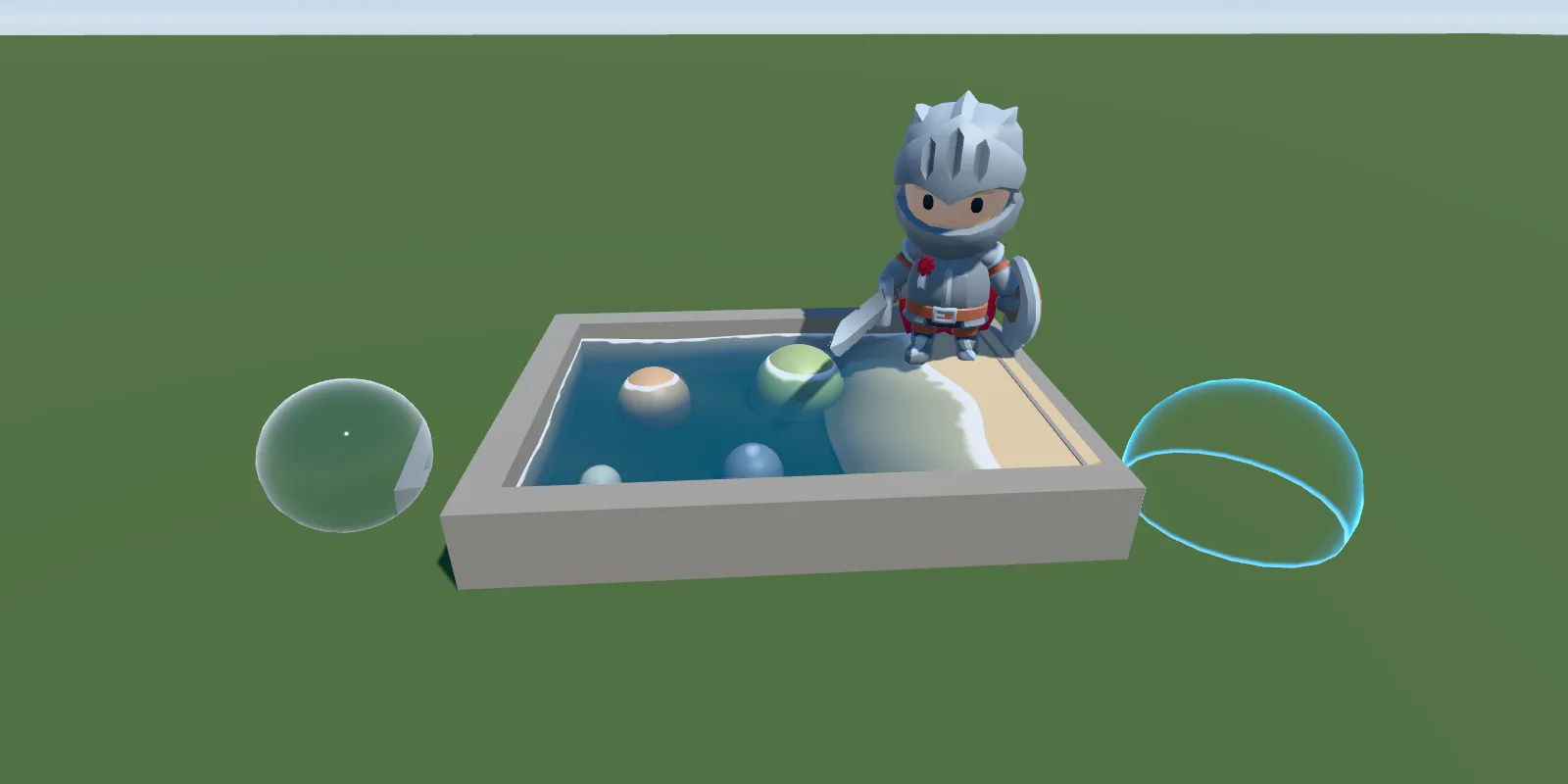
A see-through surface can read the scene behind it: depth_behind(in)
(how far behind it the scene is, in metres: shallow water foams, a force
field glows where it meets the floor) and scene_color(screen) (the
scene’s colour there: move screen a little to bend it, as water and
glass do). A shader that reads them is drawn see-through, over the
solid scene. They cost memory only in a frame where such a shader is in
view.
Whole styles
Section titled “Whole styles”- Your own light. Beside
surface,fn light(in: LightInput) -> vec3<f32>lights it one sun or lamp at a time, in place of the engine: toon bands, light that wraps round. It’s given the light’s way, colour, shadow and distance and whatsurfacereturned.standard_light(in)is the engine’s, so it can change some lights and not others. The ambient and sky light, glow, fog and tone mapping stay the engine’s.
struct Values { bands: f32 }
fn surface(in: SurfaceInput) -> Surface {    return standard(in);}
fn light(in: LightInput) -> vec3<f32> {    let lit = max(dot(in.normal, in.direction), 0.0) * in.shadow;    let band = mix(0.3, 1.0, floor(lit * values.bands + 0.5) / values.bands);    return in.surface.color * in.color * band / 3.14159265;}
Outlines
Section titled “Outlines”Outlines are a material’s: material.outline = Outline(width: 0.02, color: Color(0xFF181410)), on any opaque material, with a shader or not,
skinned and moved meshes too. The width is in metres, so it thins with
distance as the object does: 1–2 cm for things a metre or two away. Each
outlined object is drawn twice, its mesh again inside out behind it; 8–12 mm
outlines on a whole course cost the Note10+ about 6 % of its GPU work.
Where an object stands on the ground, the ground hides its outline’s lower edge.
The pixel look
Section titled “The pixel look”camera.pixels = 240 draws the game 240 pixels high and
enlarges it with hard edges. The camera keeps to whole pixels, so the
picture doesn’t shimmer as it moves.