
Making it look good
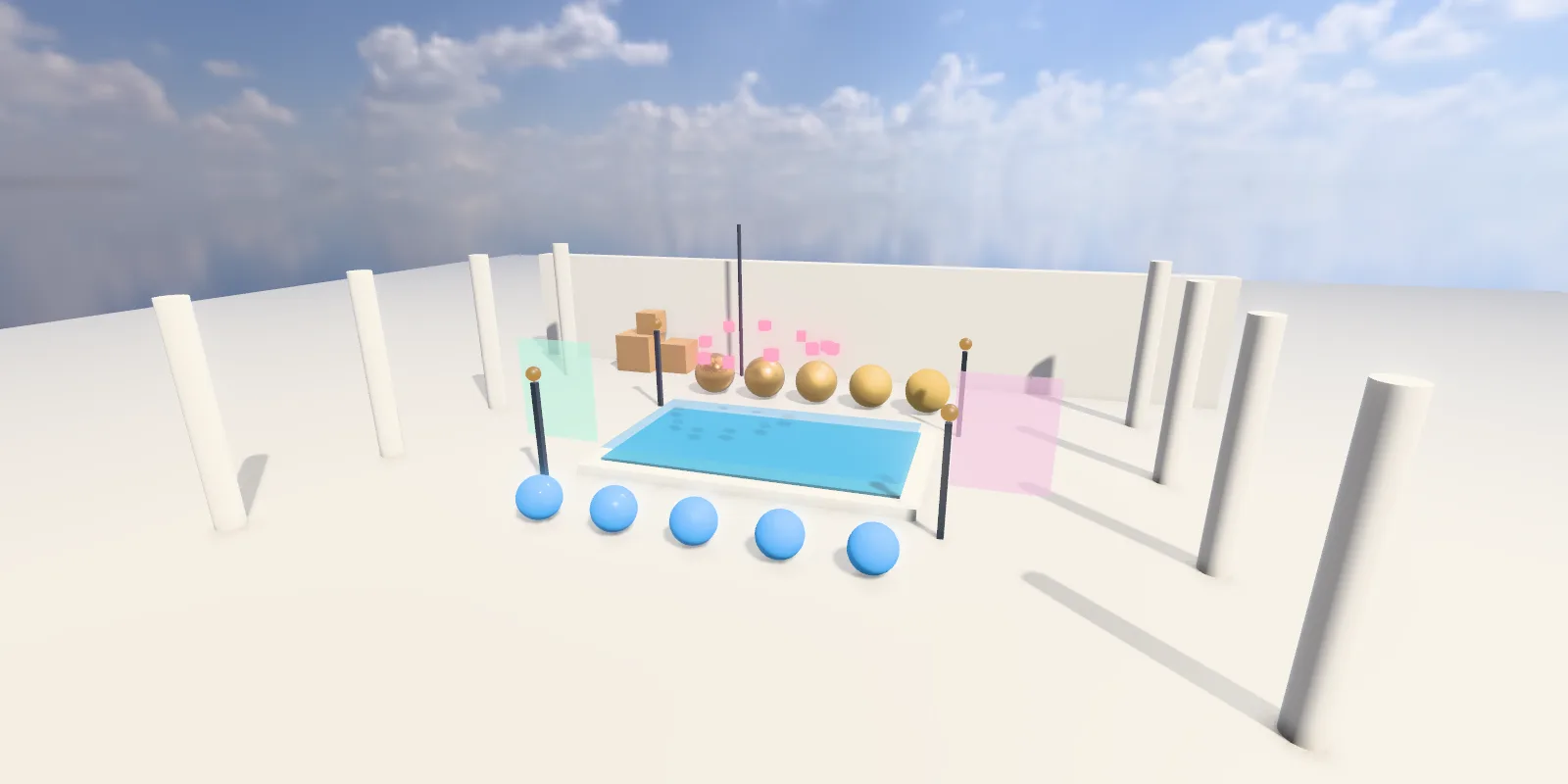
A new world is a clear day: Sky.daylight is behind everything and lights
it. Add a Light.sun(), which casts soft shadows, and a scene stands in
daylight. The rest is a few choices. This page gathers them, with what each cost one finished game, a
mini-golf course, on a Galaxy Note10+ at low.
import 'package:fynkel/fynkel.dart';
/// A late afternoon over a small scene seen from a few metres: a warm/// low sun, a sky of the game's own, haze far off, and the shadows kept/// near so they're sharp.void lateAfternoon(World world) {  world.sky = Sky.gradient(    zenith: Color.rgb(0.32, 0.52, 0.82),    horizon: Color.rgb(0.95, 0.86, 0.72),    ground: Color.rgb(0.40, 0.36, 0.30),  );  world.fog = const Fog(start: 15, end: 60);  world.quality = (world.quality ?? Quality.device).copyWith(shadowDistance: 15);  world.add(    GameObject(components: [Light.sun(direction: Vec3(-0.6, -0.55, -0.4), color: Color.rgb(1, 0.92, 0.8), intensity: 2)]),  );}
/// Glow and contact, for the levels that draw them.Camera lookingCamera() => Camera(bloom: const Bloom(strength: 0.5), ambientOcclusion: const AmbientOcclusion(radius: 0.15));- The sun does most of it. A low one (its
direction’s y well short of −1) gives long shadows and lights the sides of things; a colour a little warm or cool sets the time of day. Intensity 1 to 2.5 against a sky’s light. - The sky lights the scene as well as filling the back (Sky and
fog): pick its
grounddarker than itshorizonso undersides aren’t lit as brightly as tops. A sky of the game’s own replaces the light ofSky.daylight, so a scene that also has aLight.ambientwants that dimmer. Its light is worked out once, on the GPU, when it’s set; drawn, it’s where nothing else is. - Shadows are sharpest with
shadowDistanceno longer than the game needs (Shadows). The mini-golf course is a few metres across and seen from 2–3 m: 14 m at a 2048 map with soft edges looked as medium does, for about 5 % more GPU work than low’s. - Fog fades the far edge of the world into the sky, and costs almost nothing.
- Colour and roughness: a few colours that go together, and
roughness0.6–0.9 for most things (grass, wood, stone, cloth) so the sun’s glint is kept for what should shine. Textures that repeat (uvScale, Meshes and materials) or a pattern from the world position in a shader of your own (A first shader) keep big surfaces from looking flat. - Outlines (Moving vertices and whole styles) give a toy or cartoon look: 8–12 mm round the course’s boards and props cost about 6 % of the GPU work, as every outlined object is drawn twice.
- Bloom and ambient occlusion are drawn at medium and high only; phones get low, so plan the look without them there. A shadow that stays on one side of a wall leaves its other side’s foot without contact at low: the mini-golf has a strip of transparent black along each wall’s foot instead.
- Screen effects (Screen effects) cost a full-screen pass each: a colour grade was about 5 % of the GPU work and 0.6 ms of the render thread.
All of that look together cost the Note10+ three times the GPU work of the plain look it started from: the same 60 fps, but the GPU’s clock from 179 to 571 MHz, and its chip 6 °C warmer (35–36 to 41–42 °C).
Most of that was its own shaders (a fifth) and its garden of hundreds of small objects (an eighth), not the engine’s settings. On a phone, measure a look by the GPU’s clock and how busy it is, not by its milliseconds a frame (Measuring).