
Bloom and ambient occlusion
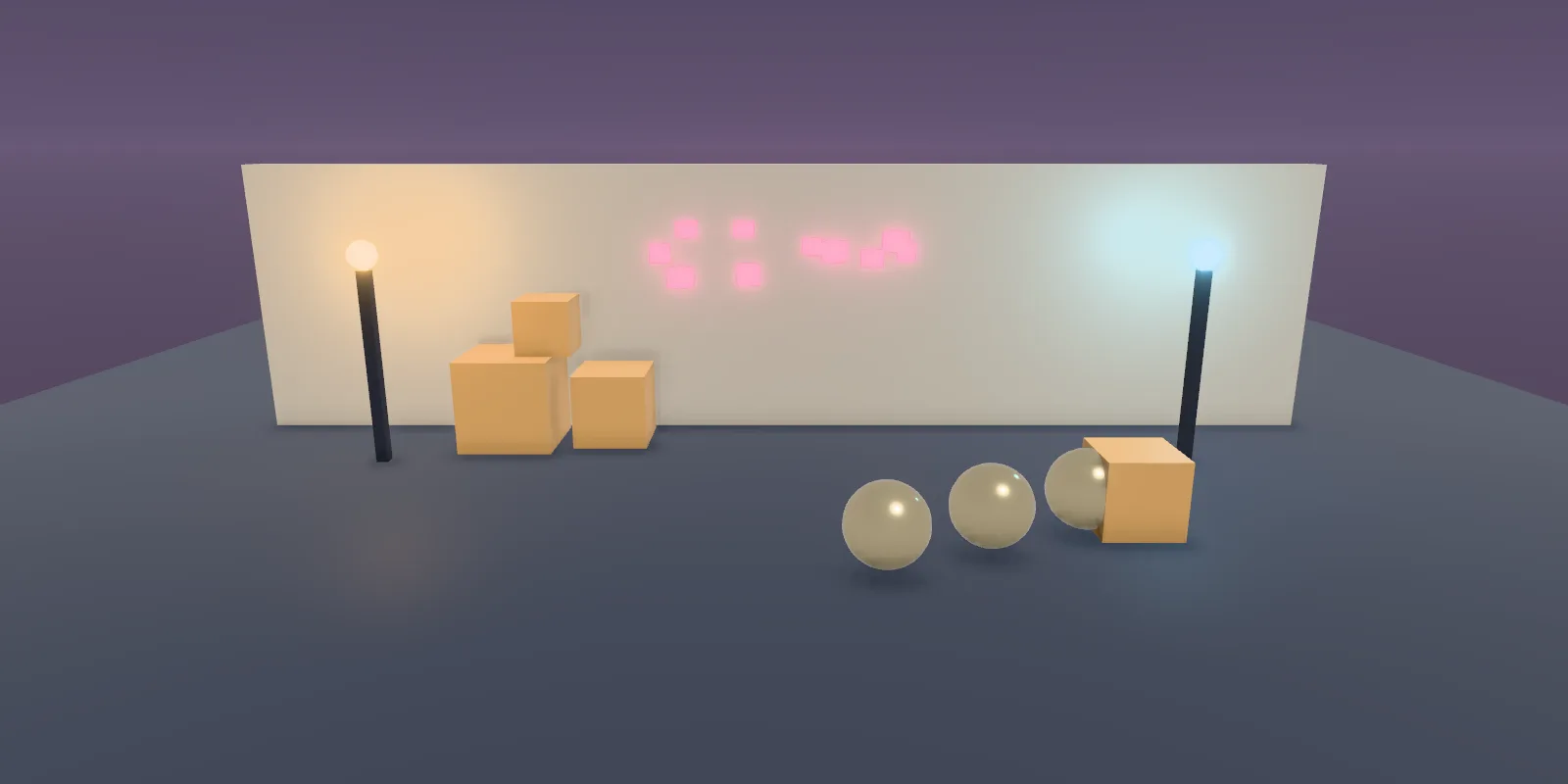
A camera can have two effects, both off unless it’s given them, as in Unity: a game that wants neither writes nothing.
- Bloom: light brighter than white glows into what’s around it: a lamp’s
bulb, a glowing sword, the sun on a metal ball. Something glows when its
emissivetimesemissiveIntensity(or the light it reflects) is above 1. Drawn whereQuality.bloomis on (medium and high). - Ambient occlusion: surfaces darken a little where they meet, in corners
and creases and under a crate on the ground. Only the ambient and sky light
darken; a sun and its shadows stay as they are. Drawn where
Quality.ambientOcclusionis on (high): a soft hint of contact, not a shadow.
/// A bulb bright enough to glow, and a camera that makes it glow.final bulb = Material(color: Color.black, emissive: Color.rgb(1, 0.8, 0.4), emissiveIntensity: 6);final camera = Camera(bloom: const Bloom());
/// More glow, and from dimmer light, for a dreamy look; darker corners.void dreamy(Camera camera) {  camera.bloom = const Bloom(strength: 2, threshold: 0.8);  camera.ambientOcclusion = const AmbientOcclusion(intensity: 2);}
Bloom(strength:, threshold:)
Section titled “Bloom(strength:, threshold:)”Bloom(strength:, threshold:): strength 1 glows about as much as the
light gives off, spread wide; 0 not at all. threshold is how bright light
must be to glow: at 1, only what’s brighter than white, so a lit white wall
doesn’t glow but the sun’s glint on it may.
AmbientOcclusion(intensity:, radius:)
Section titled “AmbientOcclusion(intensity:, radius:)”AmbientOcclusion(intensity:, radius:): intensity 1 is as dark as a
corner is closed in, up to 4; radius is how far, in metres, a surface
darkens one near it (half a metre unless given). Pick it for the scene’s
size: half a metre suits people and rooms; for small things, a table-top
game or a mini-golf course with a 14 cm ball, 0.1 to 0.2 m.
Too big a radius puts a dark smudge on a wall behind anything near it: a windmill’s blades 6 cm off their wall showed one at 0.3.
Colours shown as picked don’t glow
Section titled “Colours shown as picked don’t glow”The camera’s clearColor and a
Sky.gradient, however bright. A Sky.image is light, and its sun glows.
Each camera has its own
Section titled “Each camera has its own”Each camera has its own, so a minimap or a second view goes without them, and costs nothing. Where the quality doesn’t draw one, it costs nothing either. The lab’s ‘Look: glow and contact’ page turns both on and off, at each level.
What they cost
Section titled “What they cost”Little on an iPhone 16 Pro Max (120 fps at every level
with both) or a Mac. On an older Android phone they cost a lot: a Galaxy
Note10+ at medium went from 58 to 40 fps with bloom. If your game runs on
phones like it, use a quality without bloom there
(Quality.medium.copyWith(bloom: false)), or low.