
Joints
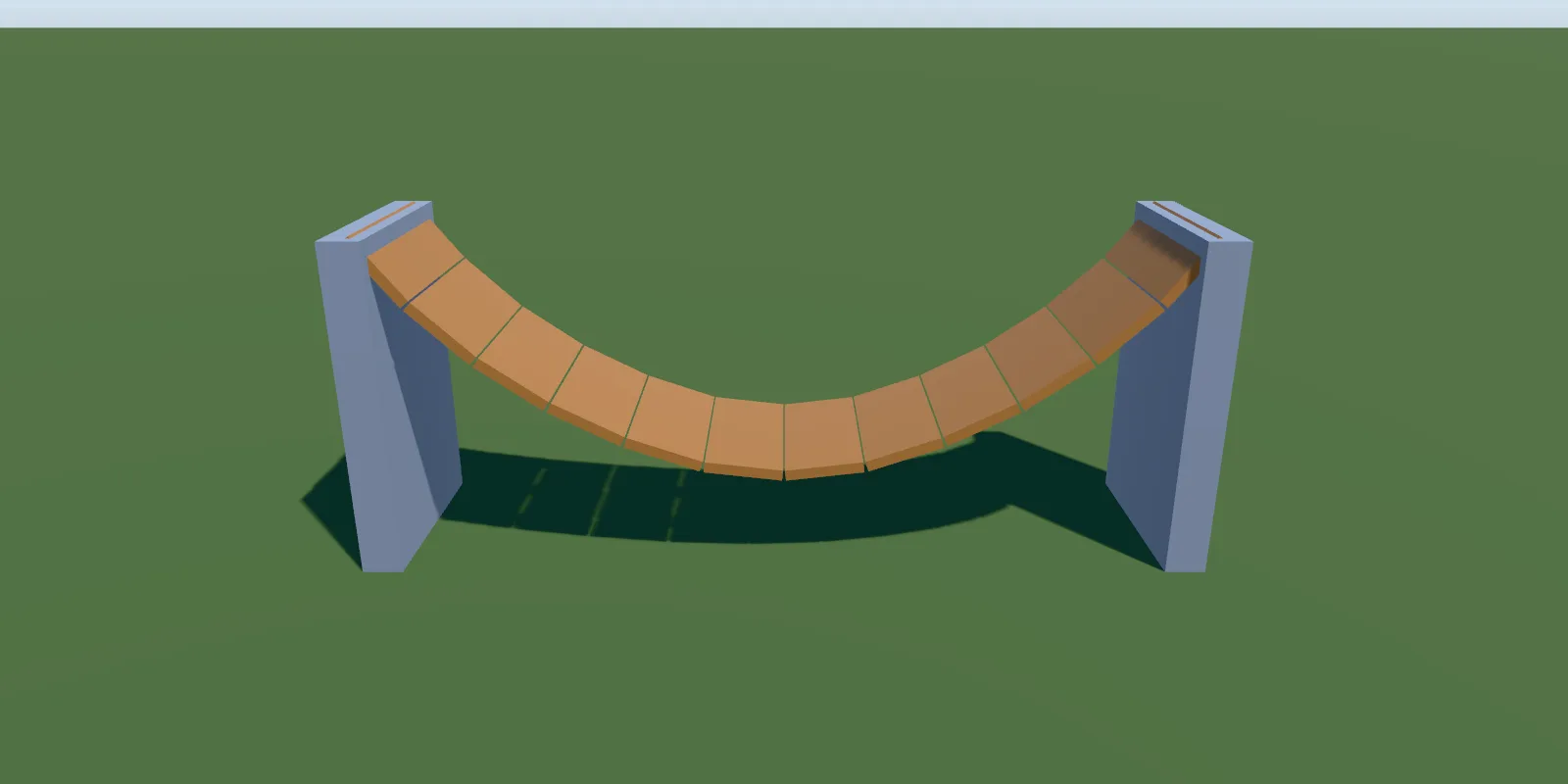
A joint holds a rigidbody to another one, or to the world. It’s a behaviour on the object with the rigidbody, and Unity’s joints are here under Unity’s names:
| Joint | How it holds |
|---|---|
FixedJoint |
As one body |
HingeJoint |
Turns about an axis, with limits, a motor and a spring (each on with useLimits, useMotor, useSpring) |
CharacterJoint |
Turns every way, as a ball in a socket: a ragdoll’s shoulder, a chain’s link |
SpringJoint |
Pulls the two back together when they are further apart than maxDistance: a rope |
Angles are in radians: write 90.deg.
Where it holds
Section titled “Where it holds”connectedBody is the other rigidbody; with none, the joint holds its
body to the world. anchor is where it holds, in the object’s own space,
scale included: Vec3(-0.5, 0, 0) is the left face of a cube however wide
the object is scaled. connectedAnchor is the same on the other body, or in
the world with none.
A joint holds the bodies as they are when it joins them, at the scale they
have then. If the other body’s object is destroyed, connectedBody goes
null and the joint holds its body to the world where it is, as in Unity.
A ball in a socket
Section titled “A ball in a socket”A CharacterJoint twists about its axis within lowTwistLimit and
highTwistLimit. It swings within swing1Limit about its swingAxis, and
within swing2Limit about the axis square to both. Each is a
SoftJointLimit, and 180.deg frees it. The swing axis is Y unless given,
or X when axis is along Y, as a chain link’s is.
Breaking
Section titled “Breaking”With a breakForce or breakTorque, a joint that holds harder than that
breaks: with JointBreaks hears of it in onJointBreak, and the joint is
taken off.
A door
Section titled “A door”import 'package:fynkel/fynkel.dart';import 'package:fynkel_physics/fynkel_physics.dart';
/// A door on a hinge at its left edge, that swings shut, and comes off/// when kicked too hard.class Door extends GameObject with JointBreaks { Door() : super( name: 'door', transform: Transform(position: Vec3(0, 1.1, 0), scale: Vec3(1, 2, 0.1)), components: [ MeshRenderer(Mesh.cube(), Material()), BoxCollider(), Rigidbody(mass: 10), HingeJoint( anchor: Vec3(-0.5, 0, 0), axis: Vec3(0, 1, 0), useLimits: true, limits: JointLimits(min: -90.deg, max: 90.deg), useSpring: true, spring: const JointSpring(spring: 20, damper: 8), breakForce: 2000, ), ], );
@override void onJointBreak(Joint joint, double breakForce) => print('the door came off');}Changing a joint’s settings
Section titled “Changing a joint’s settings”JointLimits, JointMotor, JointSpring, SoftJointLimit and
PhysicsMaterial are values, as Unity’s structs are; to change one part,
copy it with copyWith: hinge.motor = hinge.motor.copyWith(targetVelocity: 3) turns a wheel faster with the same force, where JointMotor(targetVelocity: 3) would have none. A hinge’s motor turns at targetVelocity radians a
second with no more than force newton metres, and hinge.angle says
how far it has turned from where it was joined, in radians.