
Screen effects
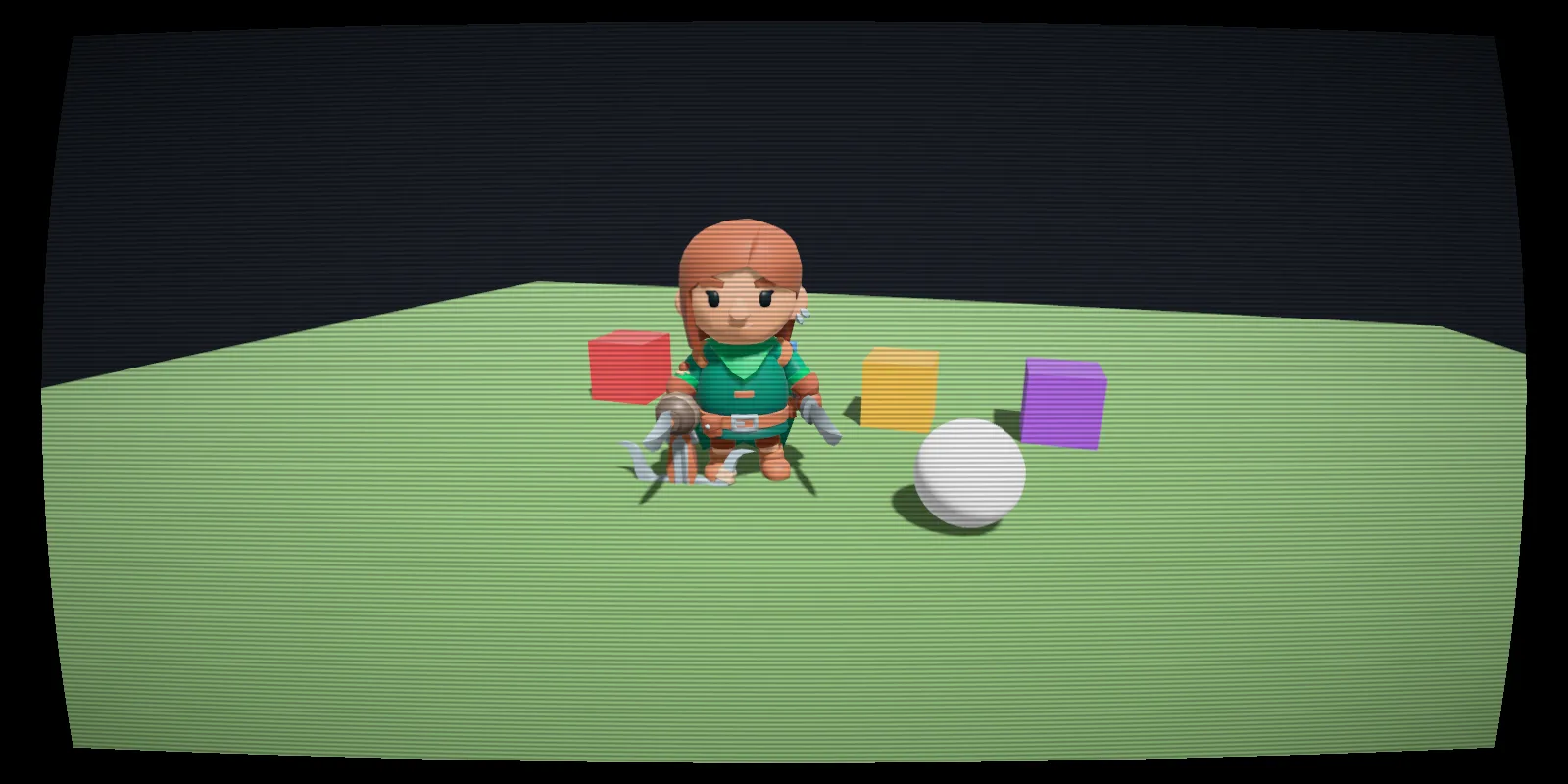
An effect’s shader has fn effect(in: EffectInput) -> vec4<f32>: the
colour of each pixel of the finished picture, read with picture(uv).
Its Values are set by name, as a material’s:
struct Values { amount: f32 }
fn effect(in: EffectInput) -> vec4<f32> {    let seen = picture(in.uv).rgb;    let edge = smoothstep(0.1, 0.5, length(in.uv - 0.5)) * values.amount;    return vec4<f32>(mix(seen, vec3<f32>(0.9, 0.05, 0.05), edge), 1.0);}
class Hurt extends GameObject { late final ScreenEffect red;
@override Future<void> onLoad() async { await super.onLoad(); red = ScreenEffect(await assets.shader('shaders/hurt.wgsl'), values: {'amount': 0.0}); world.camera!.effects = [red]; }
void flash() => tween(1.0, 0.0, seconds: 0.5, onUpdate: (v) => red.set('amount', v));}A camera’s effects run in order, each over what the one before made:
camera.effects = [palette, oldTv] isn’t [oldTv, palette]. They work
at every quality level; a frame without any pays nothing for them.
Textures and colour grades
Section titled “Textures and colour grades”An effect can have textures, as a material’s shader can. A colour
grade is one: a table of colours, made in an image editor (or Unity’s
neutral table, coloured to taste), each colour of the picture looked up
in it with color_lut:
struct Values { amount: f32 }var table: color_texture;
fn effect(in: EffectInput) -> vec4<f32> {    let seen = picture(in.uv).rgb;    return vec4<f32>(mix(seen, color_lut(table, seen), values.amount), 1.0);}
class Evening extends GameObject { @override Future<void> onLoad() async { await super.onLoad(); final grade = ScreenEffect( await assets.shader('shaders/grade.wgsl'), values: {'table': await assets.texture('evening_lut.png'), 'amount': 1.0}, ); world.camera!.effects = [grade]; }}The table is a strip of square tiles side by side, as many as each is wide
(256 × 16 or 1024 × 32 pixels): red across a tile, green down it, blue from
tile to tile. An effect can read the scene’s depth too:
scene_depth(in.uv) is how far the solid scene is at a pixel, in metres along
the view, and scene_position(in.uv) where it is in the world, for fog of
your own, a scanner’s pulse ringing out from camera_position(), or outlines
where the depth jumps.
See-through surfaces and the sky aren’t in it; a frame with an effect that reads it keeps it, and others pay nothing. The lab’s effects page has both.